The Story
NVMe SSD to PCIe x4 Adapter Card – Easy M.2 Upgrade for Your Desktop
Upgrade Your Storage with an M.2 NVMe to PCIe Adapter
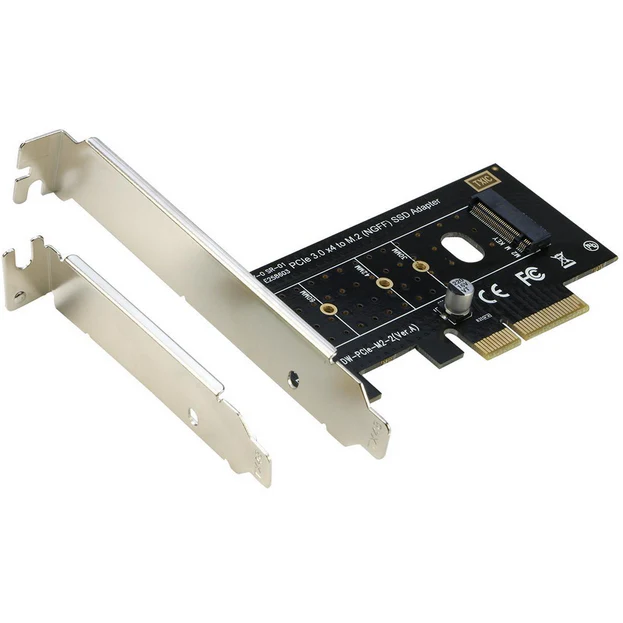
Looking for an easy, reliable way to use your M.2 NVMe SSD in a desktop PC? Our NVMe SSD to PCIe adapter card makes it simple to connect an M.2 PCIe NVMe or AHCI SSD (M Key, 2230/2242/2260/2280) to a standard PCI Express x4 slot. This adapter is perfect for upgrading your storage, data recovery, or reusing an SSD from your old or damaged laptop.
Features & Benefits
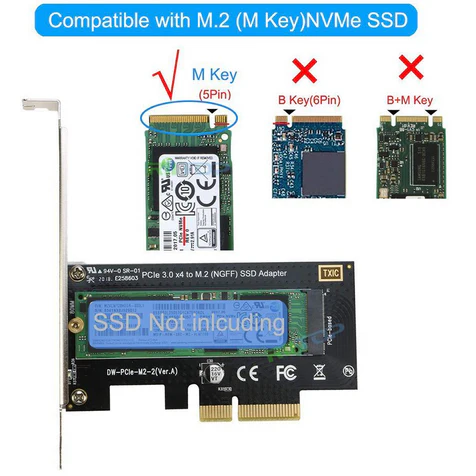
- Supports M-Key M.2 PCIe NVMe and AHCI SSDs – works with 2230, 2242, 2260, and 2280 size drives
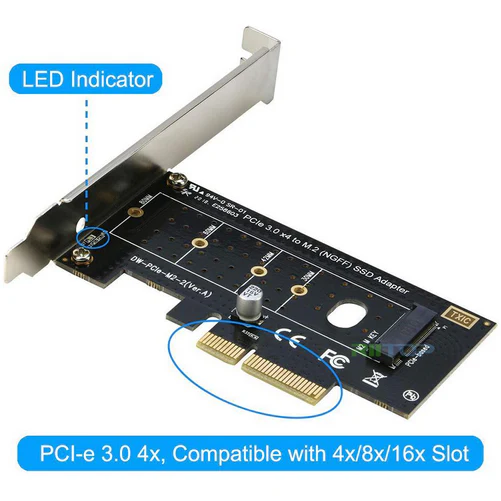
- Compatible with PCIe 3.0 x4, PCIe 2.0 x4, x8, and x16 slots
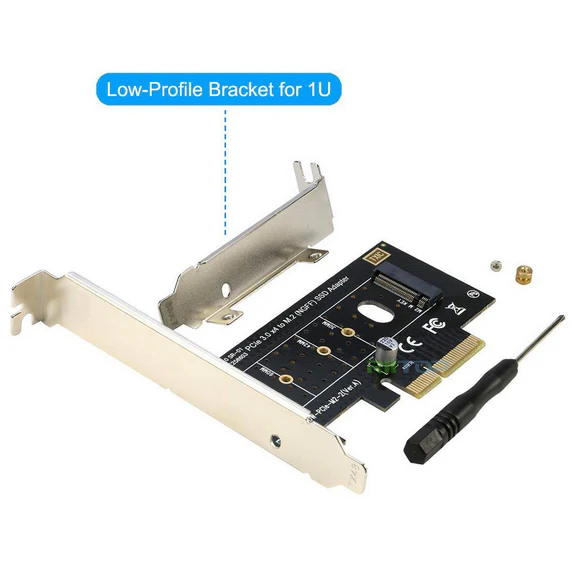
- Includes both regular and low-profile brackets for any desktop case
- No drivers required – works natively with Windows 8/10/11, Linux, Fedora, Ubuntu, SUSE, Red Hat, Windows Server 2012 R2
- Supports dual-sided M.2 SSDs with 1.5mm component height
- Wide operating temperature: -40°C to 85°C
- Power supplied directly from the PCIe slot (3.3V)
Simple, Hassle-Free Installation
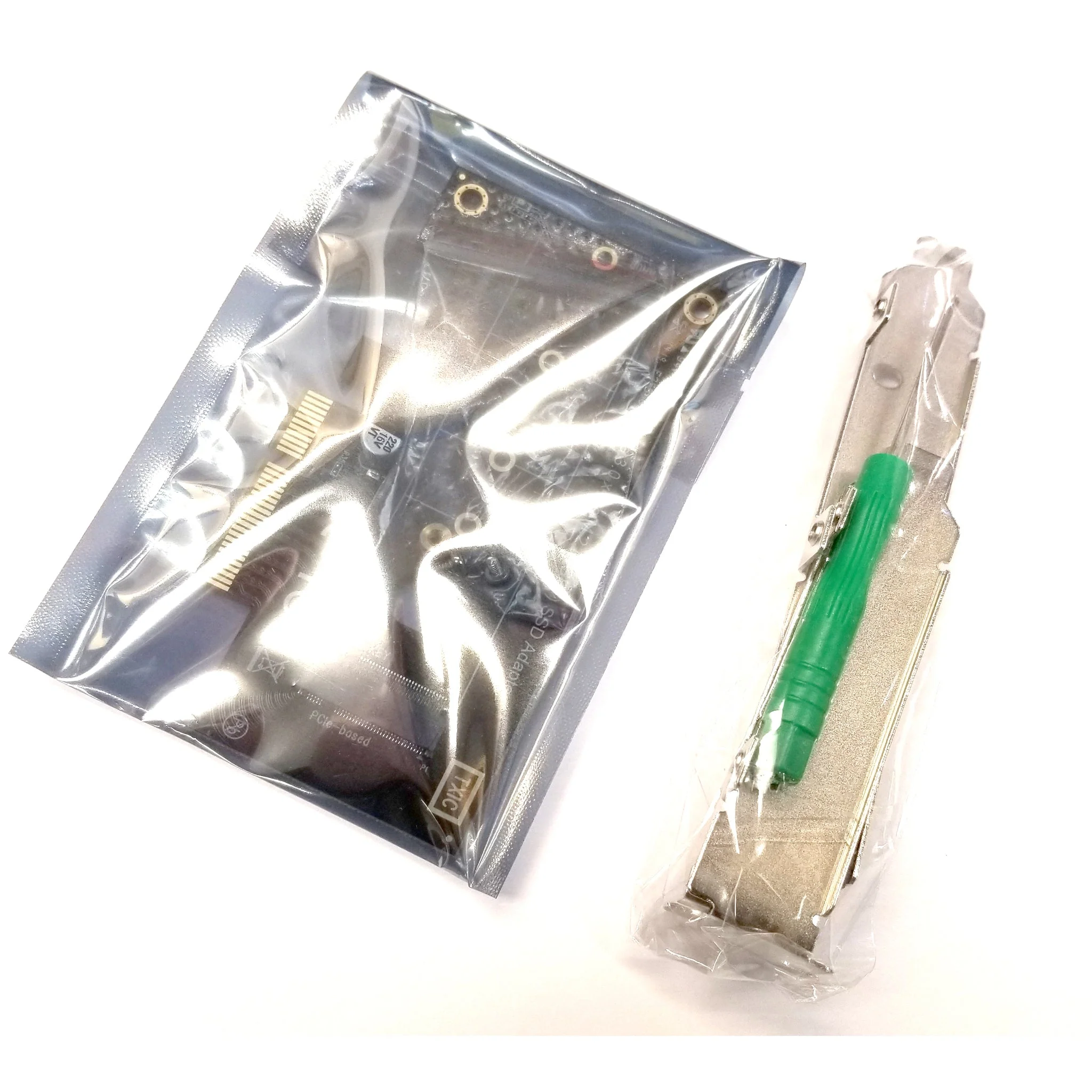
This M.2 to PCIe x4 adapter card comes with everything you need: the adapter, screwdriver, and mounting screws. Just insert your SSD, secure it, and snap the card into your desktop’s PCIe slot. No extra cables or complicated setup required.
Technical Data
- Connector: 1x M-key (type 2280-D5-M) M.2 socket for NGFF PCIe SSD
- Supported SSDs: M.2 PCIe, both NVMe and AHCI protocol (does not support 'B' key M.2 or SATA SSDs)
- Supported Sizes: 2230, 2242, 2260, 2280 (30mm, 42mm, 60mm, 80mm length)
- Form Factor: Low-profile and regular brackets included
- Motherboard Requirements: PCIe x4/x8/x16 slot (PCIe 3.0 recommended for top speed)
- Maximum Transfer Speed: Up to 32Gbps on PCIe 3.0 x4, up to 16Gbps on PCIe 2.0 x4
Important Compatibility Notes
- Not compatible with 'B' key M.2 SATA or PCIe x2 SSDs
- To boot from your M.2 SSD, your motherboard must support NVMe boot (check BIOS or consult your motherboard manual)
- Mac Pro 2009, 2010, 2012: Supports PCIe-AHCI SSD only (not NVMe)
- Older systems (Windows 7, Windows Server 2008 R2) may require a special NVMe driver
Works With These Popular SSDs
- Samsung XP941, SM951 (AHCI or NVMe), 950 Pro Series
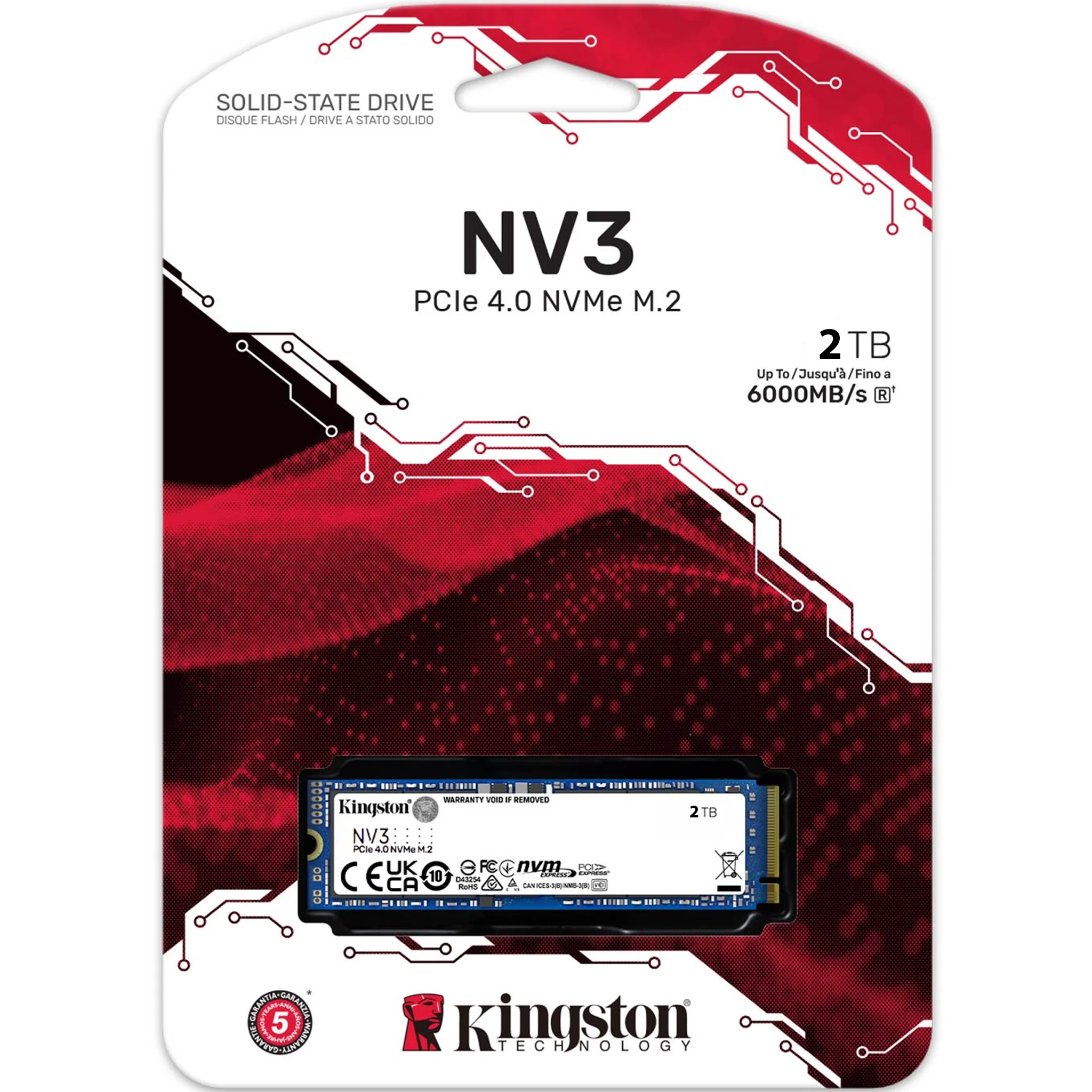
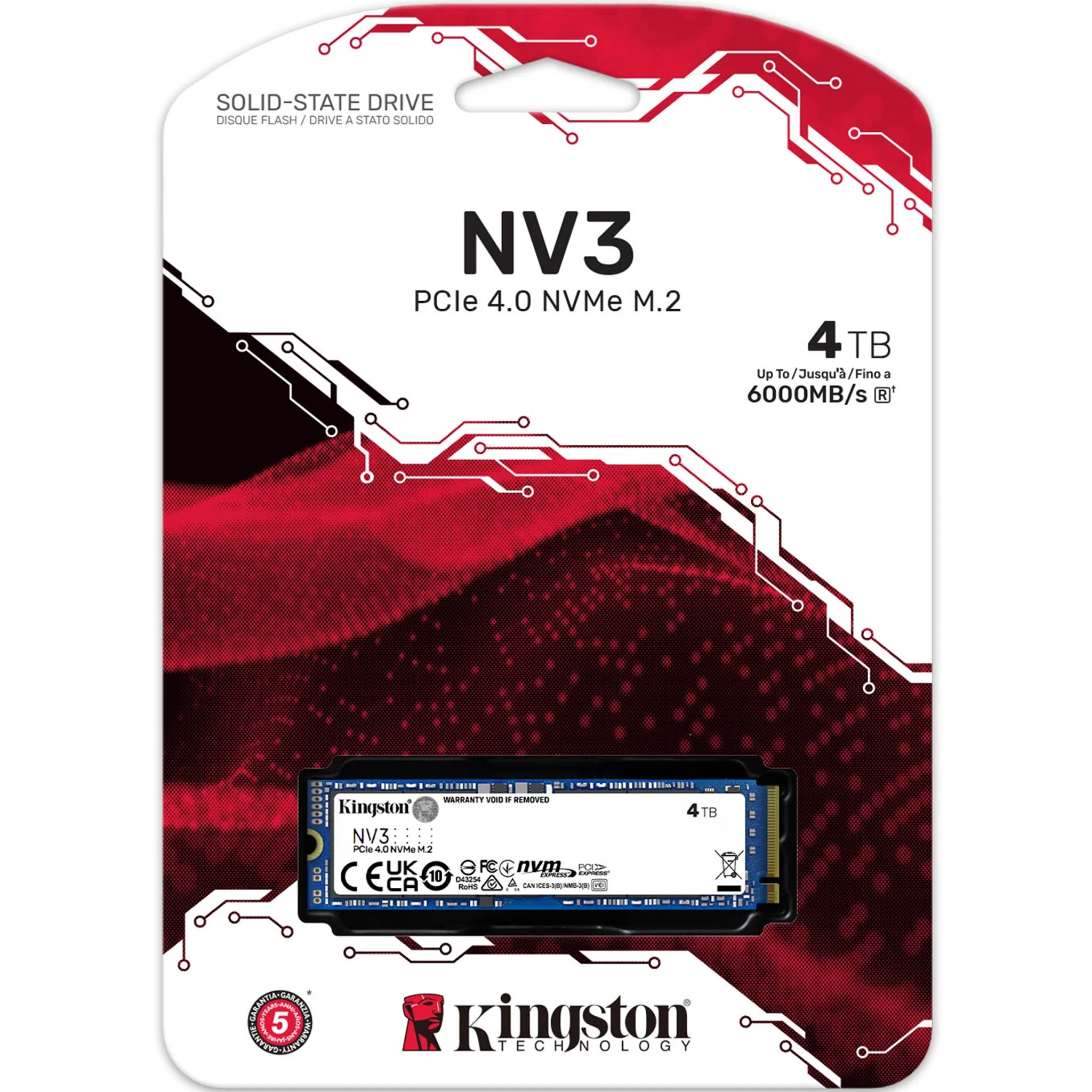
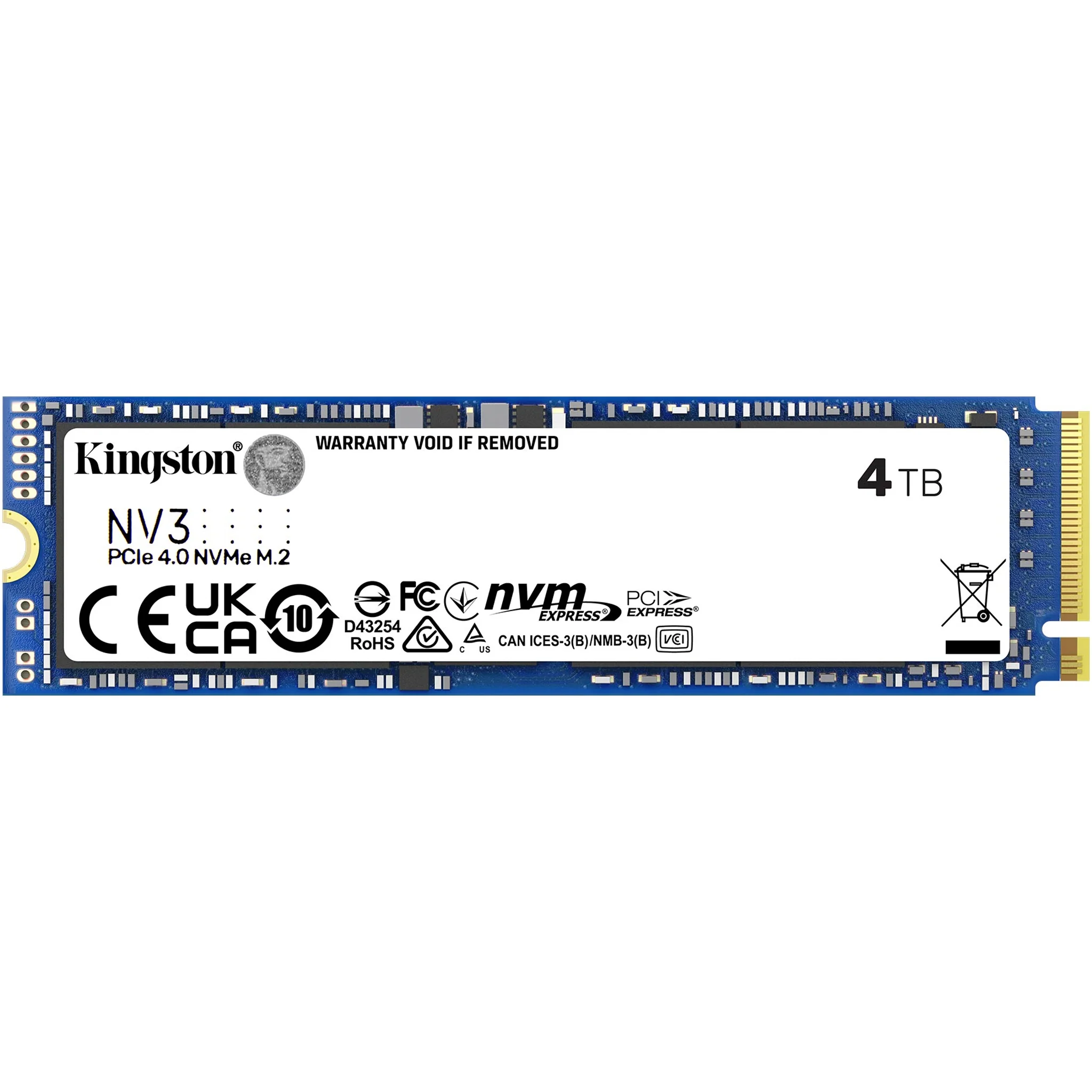
- Kingston HyperX Predator M.2
- Plextor M6e Series
- And other standard M.2 PCIe NVMe and AHCI SSDs
Product ID: VUPN1034
What’s in the Box?
- 1x NVMe SSD to PCIe x4 Adapter Card
- 1x Screwdriver
- Mounting screws
- Both regular and low-profile PCIe brackets
Upgrade your PC’s storage easily with this user-friendly M.2 NVMe to PCIe x4 adapter. Enjoy faster speeds and better flexibility for your SSD!
Details & Craftsmanship
Every detail has been carefully considered to bring you the perfect product.
Details & Craftsmanship
Every detail has been carefully considered to bring you the perfect product.
Details & Craftsmanship
Every detail has been carefully considered to bring you the perfect product.
Details & Craftsmanship
Every detail has been carefully considered to bring you the perfect product.
Description
NVMe SSD to PCIe x4 Adapter Card – Easy M.2 Upgrade for Your Desktop
Upgrade Your Storage with an M.2 NVMe to PCIe Adapter
Looking for an easy, reliable way to use your M.2 NVMe SSD in a desktop PC? Our NVMe SSD to PCIe adapter card makes it simple to connect an M.2 PCIe NVMe or AHCI SSD (M Key, 2230/2242/2260/2280) to a standard PCI Express x4 slot. This adapter is perfect for upgrading your storage, data recovery, or reusing an SSD from your old or damaged laptop.
Features & Benefits
- Supports M-Key M.2 PCIe NVMe and AHCI SSDs – works with 2230, 2242, 2260, and 2280 size drives
- Compatible with PCIe 3.0 x4, PCIe 2.0 x4, x8, and x16 slots
- Includes both regular and low-profile brackets for any desktop case
- No drivers required – works natively with Windows 8/10/11, Linux, Fedora, Ubuntu, SUSE, Red Hat, Windows Server 2012 R2
- Supports dual-sided M.2 SSDs with 1.5mm component height
- Wide operating temperature: -40°C to 85°C
- Power supplied directly from the PCIe slot (3.3V)
Simple, Hassle-Free Installation
This M.2 to PCIe x4 adapter card comes with everything you need: the adapter, screwdriver, and mounting screws. Just insert your SSD, secure it, and snap the card into your desktop’s PCIe slot. No extra cables or complicated setup required.
Technical Data
- Connector: 1x M-key (type 2280-D5-M) M.2 socket for NGFF PCIe SSD
- Supported SSDs: M.2 PCIe, both NVMe and AHCI protocol (does not support 'B' key M.2 or SATA SSDs)
- Supported Sizes: 2230, 2242, 2260, 2280 (30mm, 42mm, 60mm, 80mm length)
- Form Factor: Low-profile and regular brackets included
- Motherboard Requirements: PCIe x4/x8/x16 slot (PCIe 3.0 recommended for top speed)
- Maximum Transfer Speed: Up to 32Gbps on PCIe 3.0 x4, up to 16Gbps on PCIe 2.0 x4
Important Compatibility Notes
- Not compatible with 'B' key M.2 SATA or PCIe x2 SSDs
- To boot from your M.2 SSD, your motherboard must support NVMe boot (check BIOS or consult your motherboard manual)
- Mac Pro 2009, 2010, 2012: Supports PCIe-AHCI SSD only (not NVMe)
- Older systems (Windows 7, Windows Server 2008 R2) may require a special NVMe driver
Works With These Popular SSDs
- Samsung XP941, SM951 (AHCI or NVMe), 950 Pro Series
- Kingston HyperX Predator M.2
- Plextor M6e Series
- And other standard M.2 PCIe NVMe and AHCI SSDs
Product ID: VUPN1034
What’s in the Box?
- 1x NVMe SSD to PCIe x4 Adapter Card
- 1x Screwdriver
- Mounting screws
- Both regular and low-profile PCIe brackets
Upgrade your PC’s storage easily with this user-friendly M.2 NVMe to PCIe x4 adapter. Enjoy faster speeds and better flexibility for your SSD!